Top 5 Most Secure Collaboration Tools for Your Business
Teams everywhere rely on digital communication to stay connected, but not every platform is built to keep sensitive information safe. As conversations, files, and decisions move online, businesses face a new challenge: finding tools that help people work smoothly and protect the company’s data at the same time. That’s why choosing the right Secure Collaboration Tools matters so much.
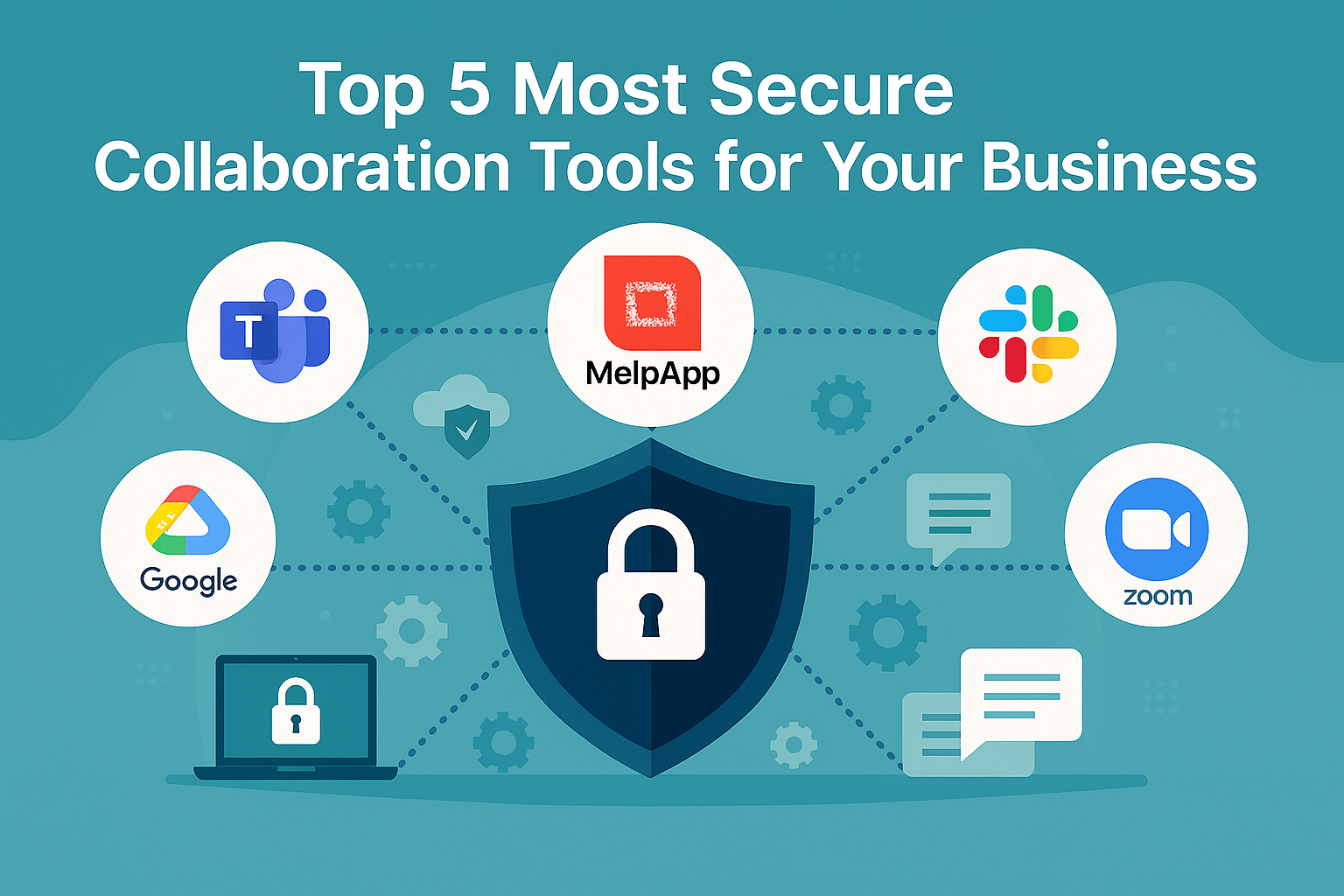
When you look at real business outcomes—like fewer miscommunications, faster decisions, and stronger data protection—five platforms consistently rise to the top: Microsoft Teams, MelpApp, Google Workspace, Slack, and Zoom. These tools aren’t just popular; they help teams work with clarity and confidence, even when projects get complex or deadlines get tight. Instead of overwhelming employees with endless features, they deliver what companies actually need: reliable communication, secure workspaces, and smoother collaboration.
What Is Secure Collaboration?
Secure collaboration means giving your team the freedom to work together without putting sensitive information at risk. It’s not only about locking down files or encrypting chats; it’s about building an environment where employees feel confident that their ideas, company data, and shared documents stay private and protected. That’s where reliable collaboration software becomes essential—tools like Microsoft Teams, MelpApp, Google Workspace, Slack, and Zoom help teams work comfortably, knowing their conversations and files are handled safely. With this kind of trust in place, collaboration feels smoother, more natural, and far more productive.
From internal meetings to cross-departmental workflows, secure collaboration keeps your business running smoothly without the fear of cyber intrusions, data leaks, or compliance gaps. When done right, it clears distractions, builds trust, and helps people work faster because they aren’t worrying about what might go wrong behind the scenes.
To understand the impact, Deloitte reported that 91% of organizations believe collaboration is critical to business success — yet many still struggle with fragmented tools and growing security challenges.
Benefits of Secure Collaboration
Secure collaboration creates an environment where teams can work confidently without worrying about data exposure or workflow disruptions. It streamlines communication, reduces unnecessary back-and-forth, and helps people stay aligned even when projects move quickly. When information flows safely, employees focus more on meaningful work and less on managing scattered tools or chasing missing updates. This level of clarity and protection becomes easier to achieve with trusted platforms such as Microsoft Teams, MelpApp, Google Workspace, Slack, and Zoom. When companies use strong, thoughtfully designed secure platforms, the advantages show up quickly:
- Teams communicate faster because nothing gets lost across multiple apps.
- Sensitive data stays protected, reducing legal or compliance risk.
- Employees spend less time searching for files or clarifying messages.
- Workflows become streamlined, reducing bottlenecks and delays.
- Overall productivity rises, creating a healthier, more focused work environment.
Security isn’t a barrier—it’s an enabler. When your workforce knows the environment is safe, collaboration becomes freer, clearer, and far more effective.
What Are the 5 Best Secure Collaboration Software for Business Use?
Choosing the right Secure collaboration software isn’t just about smoother teamwork—it’s also about keeping sensitive information protected. Platforms like Microsoft Teams, Melp App, Google Workspace, Slack, and Zoom are often preferred because they help teams communicate and share files with a level of confidence that comes from strong security practices. Instead of worrying about data slipping through gaps or conversations being exposed, employees can focus on their work, knowing the environment is built to keep things safe. When security feels natural and dependable, collaboration becomes clearer, faster, and far less stressful for everyone involved. Below are the 5 best collaboration tools chosen purely on the outcomes they deliver—their ability to enhance teamwork while maintaining strong security.
1. Microsoft Teams
Microsoft Teams has evolved into a central hub for professional communication and teamwork. What makes it powerful isn’t just integration with Office apps—it’s the way it brings conversations, files, and meetings together under one environment that feels consistent and dependable. For businesses, especially those with large or complex teams, this consistency becomes a real advantage.
Teams helps organizations maintain clarity across departments because everything feels interconnected. Messages turn into tasks, tasks turn into actions, and actions turn into documented progress—all without jumping between multiple tools. This reduces confusion and allows teams to focus on work rather than coordinating work.
From a security standpoint, Microsoft’s enterprise-grade protections give companies peace of mind. But in practical terms, the biggest win is how confidently employees can share documents, brainstorm ideas, and manage daily responsibilities without worrying that data may leak or slip into the wrong hands.
Business Outcomes Delivered by Microsoft Teams:
- Clearer communication across large or distributed teams
- Better alignment because conversations and files live in one place
- Faster project execution with integrated workflows
- Higher employee confidence due to strong security protections
- Consistent work habits that reduce tool fatigue
2. MelpApp
Melp — also known as MelpApp or Melp App — is a Multi-Enterprise Linking Platform built to securely connect teams, departments, clients, and partners inside one unified digital workplace. It replaces the chaos of multiple apps by bringing communication, collaboration, external teamwork, file handling, document management, an office suite, AI assistance, chat, meetings, and video conferencing together under a single secure system. Because everything is connected, users experience smoother workflows, clearer communication, and fewer operational gaps.
Where Melp truly stands out is how naturally it improves business outcomes. Instead of overwhelming teams with features, it focuses on speed, clarity, and reducing daily confusion. Organizations using Melp often report faster decision-making, less tool switching, and more confident collaboration because employees no longer worry about where information lives or how to share it safely. Security is built into every layer — with ISO27001, HIPAA, and GDPR compliance and ongoing VAPT testing — giving companies a protected environment where sensitive files and conversations stay secure.
Melp also solves one of the biggest workplace pains: tool overload. By consolidating work into one secure space, teams avoid the friction of using six or seven scattered apps. And for companies running interviews, Melp’s Evaluation Mode provides a simple, structured space for virtual assessments, helping hiring teams spot fake candidates and verify real skills with confidence. It keeps every interview organized and secure, ensuring candidate data stays fully protected. A practical advantage of Melp is that it brings essential work tools into one secure place, reducing the daily friction that comes from switching between multiple apps. This makes it easier for teams to rely on it as one of their secure collaboration tools without disrupting existing workflows. And because it operates as secure collaboration software at its core, organizations get a consistent and protected environment for everyday work. Another advantage of Melp is that it functions as an all-in digital workplace, bringing communication, collaboration, file management, meetings, and daily workflows together in one AI-supported environment.
Business Outcomes Delivered by MelpApp:
- Faster communication that reduces misunderstandings and project delays
- A unified digital workplace that removes the need for multiple disjointed tools
- Confident, secure file sharing backed by industry-grade compliance standards
- Stronger teamwork supported by AI-assisted clarity and smoother workflows
- A more organized, less cluttered workday that increases overall efficiency
- Secure external collaboration beyond the organization
3. Google Workspace
Google Workspace remains one of the most widely adopted collaboration platforms because it blends practicality with simplicity. The real strength isn’t in its long list of apps—it’s in the way those apps work together to help teams collaborate naturally. When employees create, edit, or share files, the process feels effortless. Comments turn into discussions. Discussions turn into decisions. Everything happens in real time.
Businesses appreciate Google Workspace because it reduces friction. Instead of back-and-forth email attachments or multiple versions of documents, everything lives in one ecosystem where updates happen instantly. This creates smoother workflows and reduces the confusion that often slows teams down.
As for security, companies rely on Google’s robust protection standards, but the real benefit is how naturally secure practices blend into day-to-day work. Teams collaborate freely without feeling restricted or slowed down by the security layer behind the scenes.
Business Outcomes Delivered by Google Workspace:
- Real-time teamwork that keeps everyone aligned
- Reduced document confusion and version errors
- Seamless communication across teams and departments
- Faster approval cycles and quicker decision-making
- Reliable protection that supports confident collaboration
4. Slack
Slack has become synonymous with modern team communication. What sets it apart is how it organizes conversations into channels, helping teams stay focused and avoid the noise of scattered messages. This simple structure dramatically improves clarity, especially in busy or fast-moving organizations.
Slack isn’t just a chat tool—it’s a bridge between people, tasks, and workflows. Conversations turn into quick decisions, and decisions turn into action, all within the same space. This reduces delays, prevents message overload, and helps teams stay synchronized.
From a security perspective, Slack’s environment supports safe and reliable communication. But in everyday business use, the biggest advantage is how easily employees collaborate without feeling overwhelmed. Work becomes more transparent, more organized, and more human.
Business Outcomes Delivered by Slack:
- Organized communication that cuts through noise
- Quicker decision-making across teams
- Clearer workflows and reduced email overload
- A more transparent work environment
- Strong trust through dependable security protections
5. Zoom
Zoom became a household name during the remote-work boom, but for businesses, it’s more than a video meeting tool. Zoom helps companies build meaningful connections, maintain strong communication rhythms, and keep teams aligned even from a distance.
The platform creates a sense of presence that helps teams collaborate more naturally. Whether brainstorming, making decisions, or hosting client discussions, Zoom helps people communicate in ways that feel personal, direct, and efficient.
Security plays a major role here as well. Businesses rely on Zoom because it creates a safe environment for internal and external meetings, allowing teams to speak freely and share critical information without hesitation.
Business Outcomes Delivered by Zoom:
- More effective communication through clear virtual meetings
- Stronger engagement among distributed teams
- Better alignment through face-to-face interactions
- Faster client discussions and decision cycles
- A secure meeting environment that builds confidence
Why Does Choosing the Right Tool Matter?
Because secure collaboration affects everything—from productivity and culture to risk reduction and long-term growth. The right platform doesn’t just connect people; it protects what they create together. The wrong platform can slow work down, create confusion, or expose critical data.
This is why businesses carefully evaluate the Secure Collaboration Tools they adopt and prefer platforms that blend speed, clarity, and protection in equal measure.
Conclusion
In a world where teamwork drives progress, choosing the right Secure Collaboration Tools isn’t optional—it’s essential. Platforms like Microsoft Teams, Melp AI Digital Workplace, Google Workspace, Slack, and Zoom help businesses communicate clearly, safeguard their data, and work more efficiently.
When teams have a secure, seamless environment to collaborate, everything moves forward—decisions, ideas, productivity, and growth. And that’s exactly what modern businesses need today
When your team has a secure, seamless environment to collaborate, everything moves forward: decisions, ideas, productivity, and growth. And that’s exactly what modern businesses need today.