What Are the Top Secure Collaboration Platforms for Contractors?
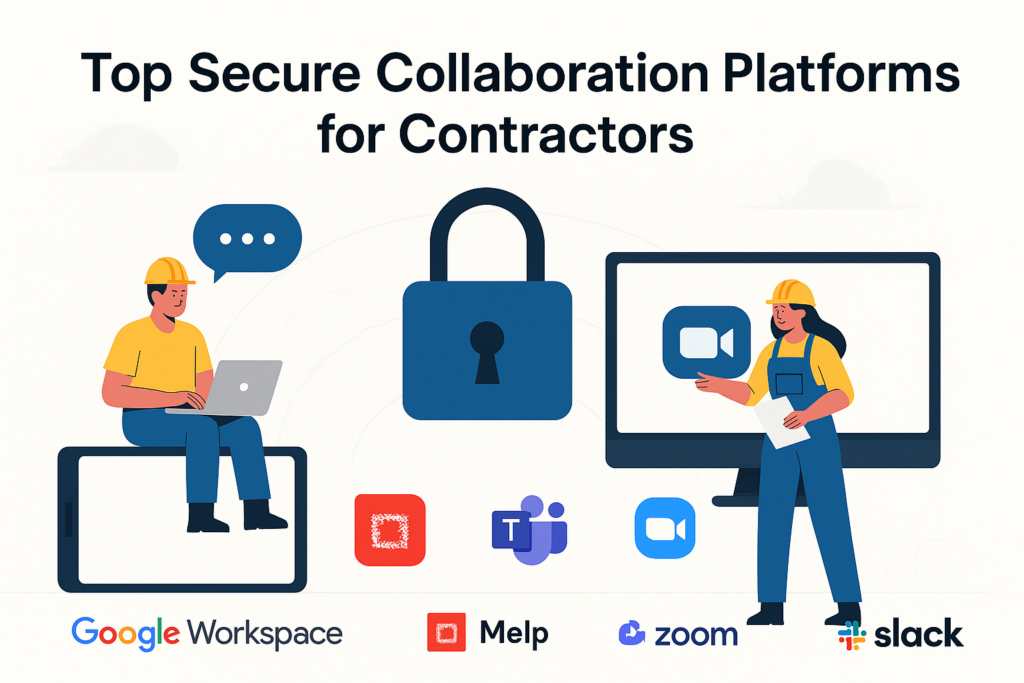
The top secure collaboration platforms for contractors today are Google Workspace, Melp App, Microsoft Teams, Zoom, and Slack. These tools are widely used in the contracting world because they offer strong security, dependable communication features, and simple ways to keep project files organized across multiple teams and job sites.
Contractors handle a constant flow of sensitive information, including contracts, drawings, estimates, invoices, and client details. When this information is shared among field teams, office staff, and external partners, the risk of data loss or exposure increases. Using a secure and well-structured collaboration platform helps prevent those issues. It keeps information protected, reduces confusion, and allows contractors to manage work more efficiently.
With remote coordination becoming the norm, contractors need platforms that offer encrypted messaging, safe file sharing, real-time collaboration, mobile accessibility, and clear access controls. A reliable tool not only improves productivity but also strengthens client confidence by ensuring that every document and update stays protected.
Below is a detailed look at the five most trusted secure collaboration platforms for contractors, along with the specific features that make each tool valuable on real job sites.
What Is a Secure Collaboration Platform?
A secure collaboration platform is a protected digital workspace that enables teams to communicate, share files, and manage projects without risking data leaks or unauthorized access. It combines messaging, video meetings, document sharing, and workflow tools with strong security features like encryption, access controls, and multi-factor authentication. In the contracting industry, widely trusted platforms such as Google Workspace, Melp App, Microsoft Teams, Zoom, and Slack help keep sensitive project information—like contracts, drawings, estimates, invoices, and client details—safe while supporting smooth collaboration across multiple job sites. By centralizing communication and information, a secure collaboration platform allows contractors to work efficiently, maintain compliance, and ensure that every file and conversation remains protected.
What Are the Top Secure Collaboration Platforms for Contractors?
The top secure collaboration platforms for contractors are Google Workspace, Melp App, Microsoft Teams, Zoom, and Slack. These tools provide encrypted communication, safe file sharing, and reliable project coordination across multiple job sites. Melp App, in particular, is an emerging platform that offers an all-in-one digital workplace approach, bringing messaging, meetings, and file management together in one organized environment, which can be useful for contractors managing multiple teams and tasks. Below is a clear breakdown of how each platform improves security, strengthens communication, and supports real-world contracting workflows.
1. Google Workspace
Google Workspace is one of the most trusted secure collaboration platforms for contractors because it offers a complete set of cloud tools—Gmail, Drive, Docs, Sheets, Meet, and more—designed for safe communication and document sharing. Contractors working with estimates, drawings, contracts, and invoices benefit from Google’s strong security features, including encryption, two-factor authentication, and detailed access controls. The platform makes it easy for teams to collaborate in real time, whether they are on-site, in the office, or communicating with clients. Shared Drives help keep project files organized, while Google Meet provides secure video calls for discussing project changes. Because everything is stored in the cloud, contractors avoid issues like outdated versions, lost files, or data scattered across devices. Google Workspace delivers reliability, straightforward usability, and enterprise-grade protection—making it ideal for fast-paced contracting environments.
Key benefits:
- Secure file storage with permission controls
- Real-time editing for project documents
- Encrypted video meetings through Google Meet
- Cloud-based access for remote and on-site teams
- Strong security with MFA and admin-level controls
2. Melp App
Key benefits:
- Organized communication structure
- HD video, audio calls, breakout rooms, and live polls
- AI tools for drafting, translation, captions, and summaries
- Melp Drive + Suite for secure file creation and storage
- Supports external collaborators, freelancers, and partners
3. Microsoft Teams
Microsoft Teams is a comprehensive collaboration platform trusted by contractors who need strong security and seamless integration with Microsoft 365 tools. Teams allows contractors to create dedicated channels for each project or job site, keeping every conversation, file, and update structured and easy to access. Its tight integration with SharePoint, OneDrive, Excel, and Word supports real-time editing, document tracking, and safe storage of sensitive project data. Microsoft Teams uses enterprise-level encryption, compliance features, and multi-factor authentication to protect communication and documents. Contractors can conduct secure video meetings, share screens for blueprint reviews, and assign tasks within the platform. With its ability to manage internal teams and external stakeholders alike, Teams creates a centralized and secure hub for project collaboration.
Key benefits:
- Encrypted messaging, calls, and file sharing
- Deep integration with Microsoft 365 apps
- Custom project channels for job-site organization
- Strong compliance and security controls
- Supports both internal and external collaborators
4. Zoom
Zoom is widely recognized for its secure, high-quality video conferencing capabilities, making it a valuable collaboration tool for contractors who rely on frequent client updates, team check-ins, and project review meetings. Zoom offers features like end-to-end encryption, password-protected meetings, waiting rooms, and host controls that prevent unauthorized access. Contractors can review plans, walk through design changes, and share screens easily during remote discussions, reducing delays and improving communication accuracy. Zoom’s cloud recordings help teams revisit important conversations, training sessions, or site updates. The platform’s simple interface and strong mobile performance make it convenient for on-site workers or subcontractors who need to join meetings from the field. While Zoom isn’t a full project management tool, it remains one of the best secure communication platforms for real-time discussions in contracting environments.
Key benefits:
- End-to-end encrypted video meetings
- Screen sharing for reviewing plans
- Secure access with passwords and waiting rooms
- Recording options with cloud storage
- Reliable mobile app for field teams
5. Slack
Slack is a fast, secure messaging and collaboration platform that helps contractors keep communication organized across channels, teams, and job sites. Instead of relying on scattered texts and emails, contractors can use Slack to centralize project conversations, making it easy to track updates, decisions, and shared files. Slack’s enterprise-grade encryption and access controls protect sensitive data shared between subcontractors, clients, and internal teams. With thousands of integrations—Google Drive, Asana, Trello, Jira, and more—Slack becomes a flexible hub that connects all project tools in one place. Its search functionality helps contractors quickly find conversations, drawings, or past instructions without digging through multiple apps. Slack improves communication speed, reduces misunderstandings, and keeps projects moving forward smoothly.
Key benefits:
- Secure, encrypted messaging
- Organized channels for each project
- Integrations with major project tools
- Searchable conversation history
- Mobile and desktop access for instant communication
How to Choose the Top Secure Collaboration Platforms for Contractors
Choosing the right secure collaboration platform for contractors depends on how well the tool protects sensitive project data while supporting real-time communication across job sites. Contractors should look for platforms that offer strong encryption, easy file sharing, accessible mobile apps, and integrations that fit their workflow. A good platform must keep teams organized, reduce miscommunication, and simplify coordination with subcontractors and clients. The best choice is the one that strengthens security without slowing down daily work.
Key factors to consider:
- Strong encryption and access-control settings
- Reliable mobile and desktop apps
- Secure file storage and sharing
- Support for video, chat, and topic-based communication
- Integration with tools like Drive, OneDrive, or project software
Key Takeaways
- Secure collaboration platforms help contractors protect sensitive project information such as drawings, contracts, and financial documents.
- Google Workspace, Melp App, Microsoft Teams, Zoom, and Slack each offer essential tools for communication, file sharing, and team coordination.
- Encryption, access controls, and safe cloud storage are key requirements when selecting a platform for contracting workflows.
- Organized communication—whether through channels, topics, or teams—reduces confusion and improves project clarity.
- Real-time collaboration tools like chat, video meetings, and shared documents support faster decision-making across job sites.
- Integrations with cloud drives and project management tools help maintain a streamlined, connected workflow.
- Reliable mobile accessibility ensures that field teams and remote workers stay connected and updated at all times.
Conclusion
Secure collaboration platforms play an important role in helping contractors manage communication, protect sensitive data, and coordinate work across multiple locations. Each platform—whether Google Workspace, Melp App, Microsoft Teams, Zoom, or Slack—offers a different combination of security, collaboration, and productivity features that can support various contracting needs. The right choice depends on factors such as team size, project complexity, workflow preferences, and security requirements. By evaluating tools based on encryption, accessibility, organization features, and integration options, contractors can select a platform that aligns with their operations and helps maintain clarity, safety, and efficiency throughout the project lifecycle.